Kiosk mode that runs itself.

Turn one device into a self-service gate terminal and keep access moving. Less operator overhead, faster entry flow, same Hydra reliability.

Kiosk mode ready screen
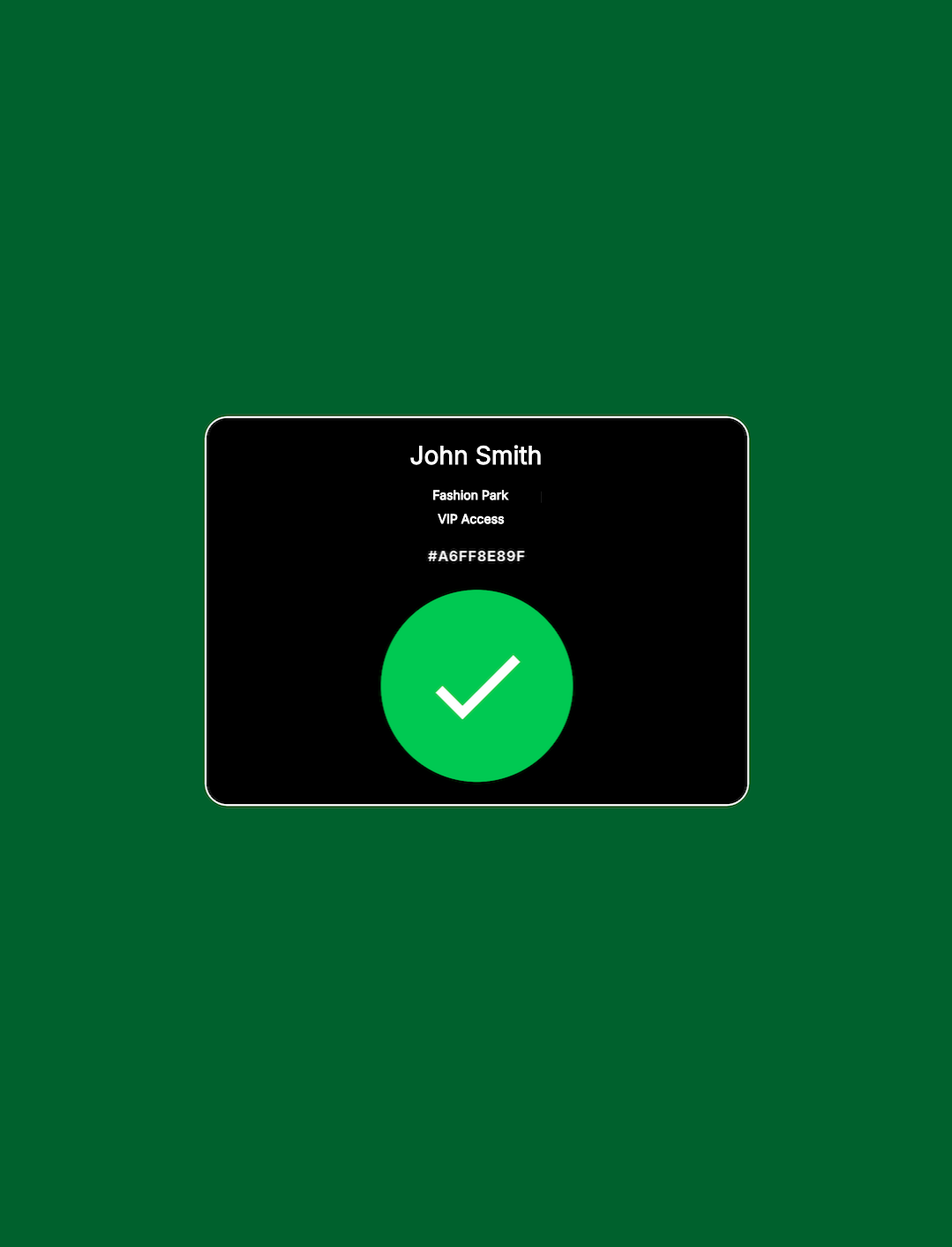
Kiosk mode accepted screen
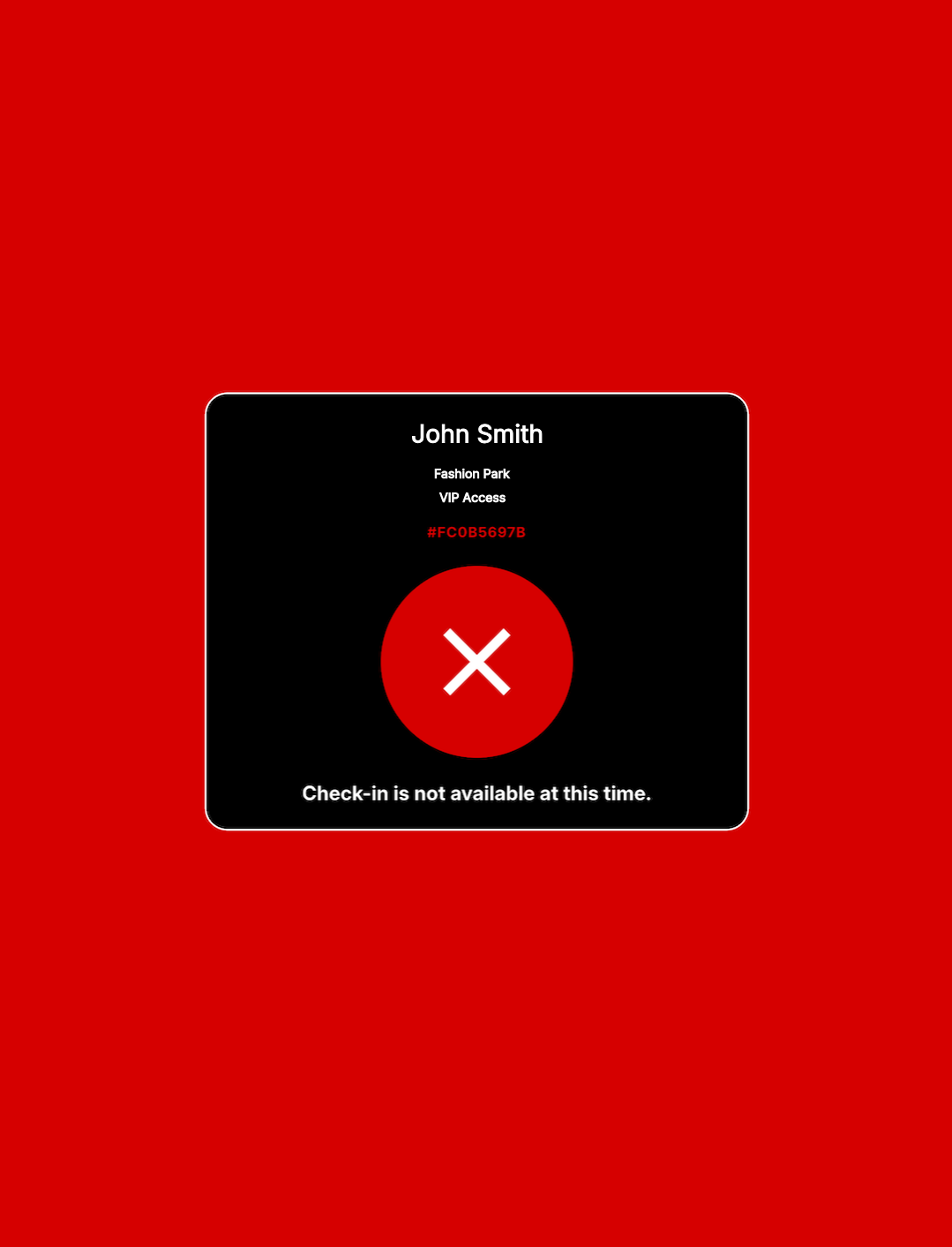
Kiosk mode rejected screen

What it solves

  • Long queues at gates during peak entry windows.
  • Too few operators for too many people or vehicles.
  • Inconsistent validation speed across access points.

What users see

  • Clear ready/accepted/rejected feedback.
  • Simple scan flow with no extra steps.
  • Fast turnaround from one ticket holder to the next.

What your team gets

  • Less manual gate validation work.
  • More predictable entry operations.
  • A scalable flow for events, parking, campuses, and buildings.

Use cases

Events

Fast guest and staff entry validation at gates.

Parking

Ticket and pass checks for controlled vehicle access.

Business Buildings

Self-service entry points for visitors and teams.

Campuses

Distributed access checkpoints with predictable flow.

* Kiosk mode requires a barcode scanner connected to the device running Hydra Check-in app.

How to launch kiosk mode

  1. Install Hydra Bridge on your WordPress ticketing website.
  2. Enable kiosk mode in Hydra Check-in app settings -> Startup.
  3. Connect Hydra Check-in app with your GATE key.
  4. Place device at the gate and let it run the scan loop.
  5. Plan for hardware expansion with upcoming hardware support for turnstiles, ramps, and similar access systems.

If it has a gate and a ticket, Hydra fits.

Use Hydra Kiosk mode to reduce queue delays and keep access control moving.

Get Hydra Bridge